![g-logo2.png]](https://support.powerednow.com/hs-fs/hubfs/g-logo2.png?height=50&name=g-logo2.png)
To issue a refund against a Sumup payment:
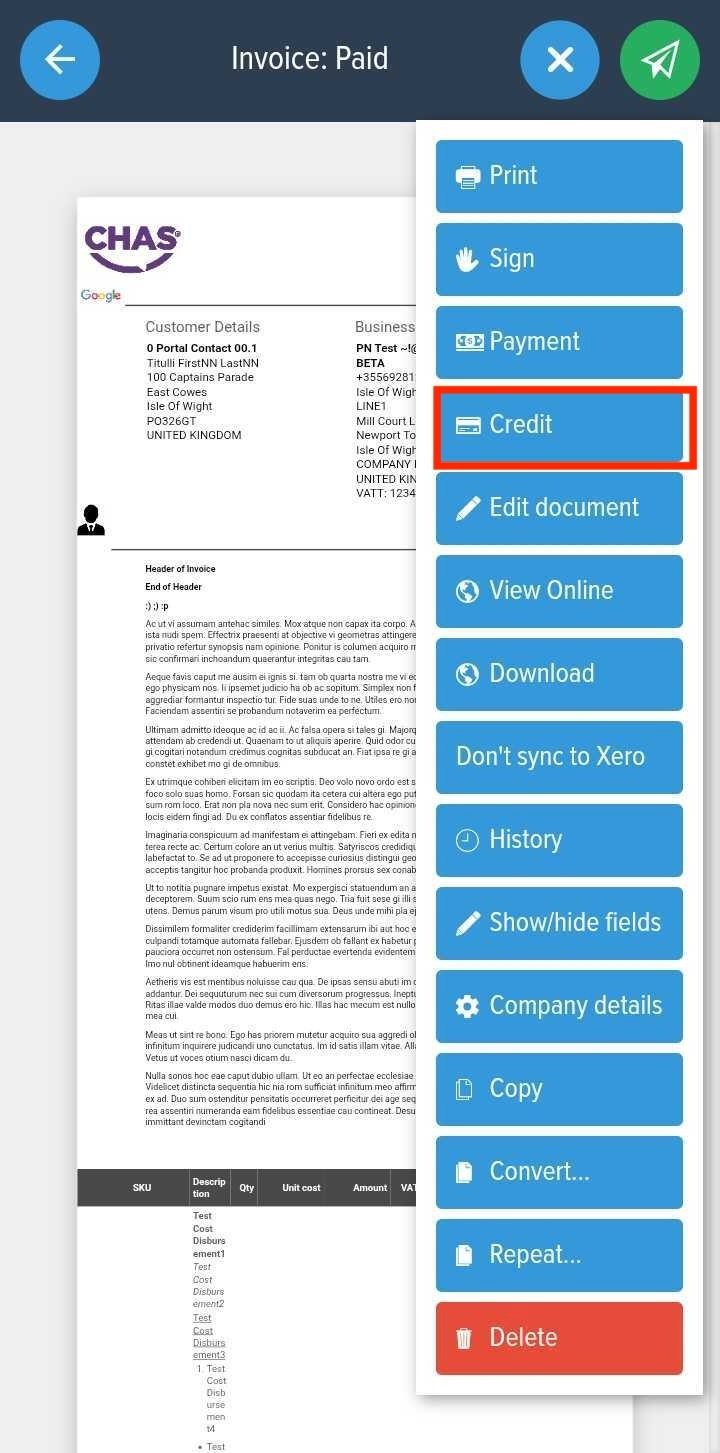
1. Locate the Sales invoice and click the "+ Options" button
2. Click "Credit"
3. Click "Apply credit" for the designated value you wish to refund.
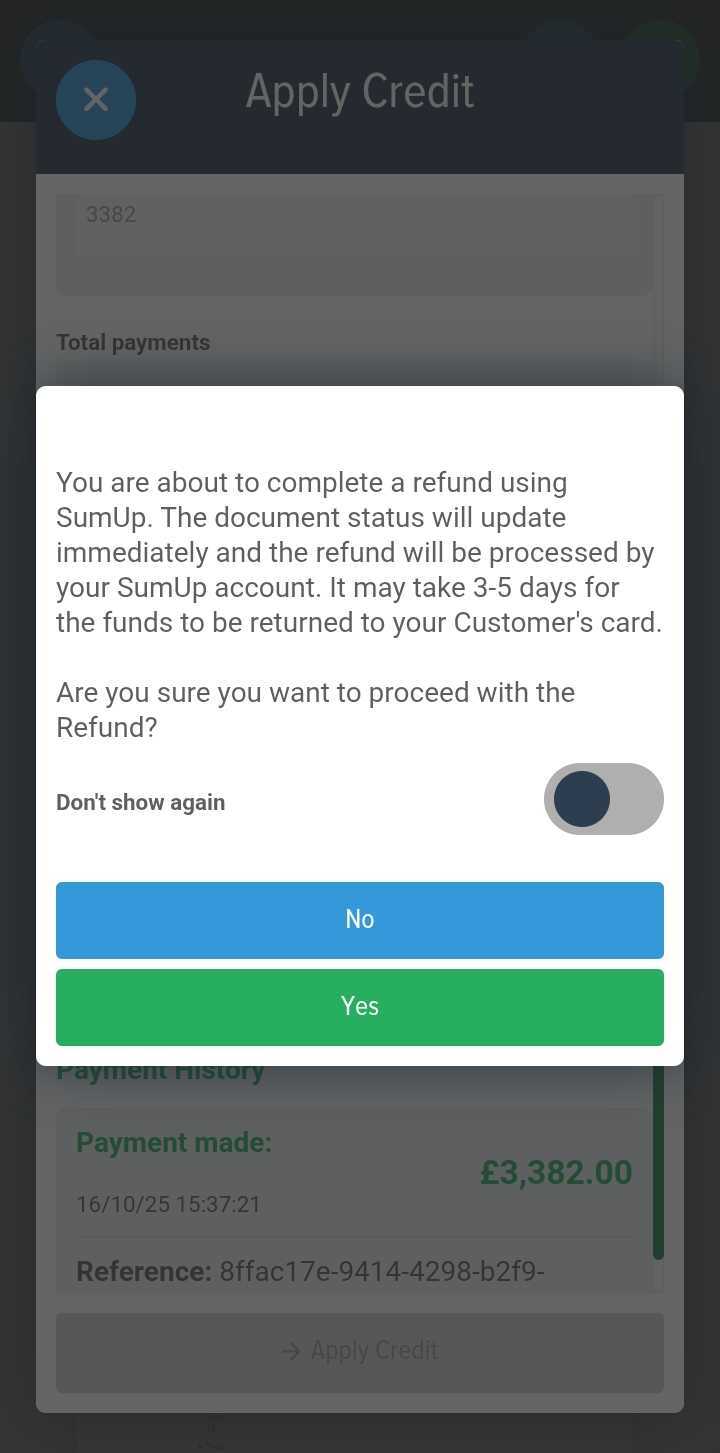
4. Click Yes to proceed with the Refund
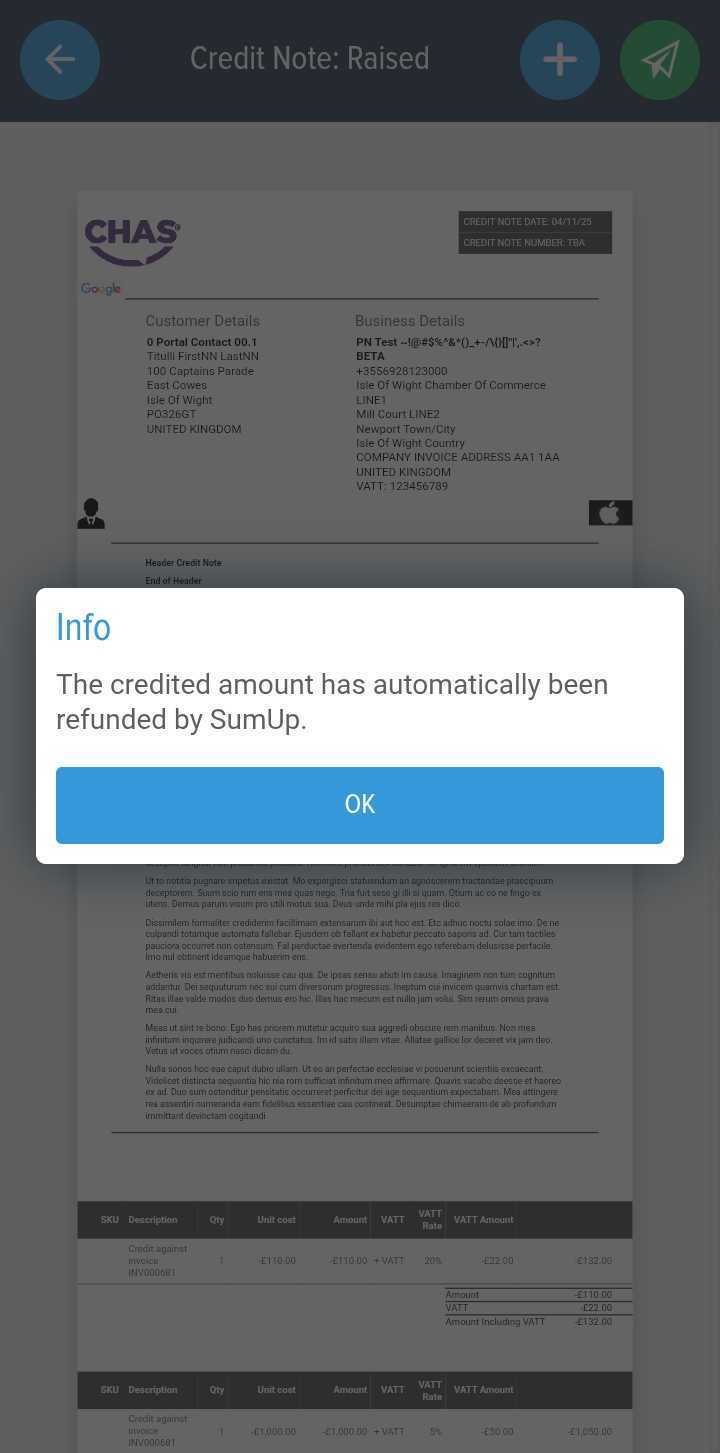
To issue a refund against a Sumup payment:
1. Locate the Sales invoice and click the "+ Options" button
2. Click "Credit"
3. Click "Apply credit" for the designated value you wish to refund.
4. Click Yes to proceed with the Refund