![g-logo2.png]](https://support.powerednow.com/hs-fs/hubfs/g-logo2.png?height=50&name=g-logo2.png)
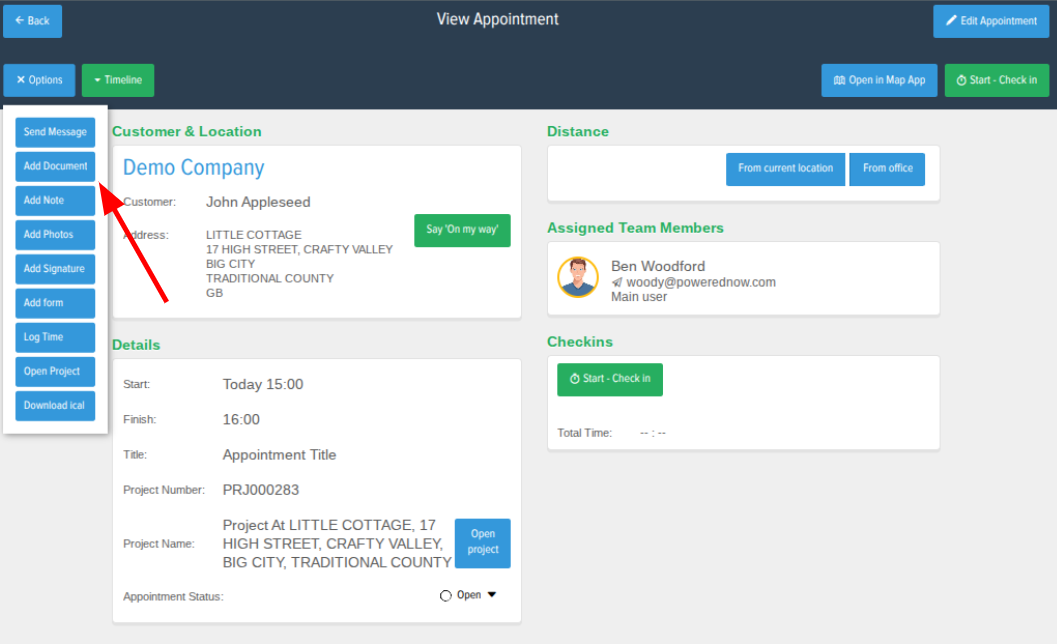
To do this click onto the appointment you'd like to create the document from then select Options and then Add Document.
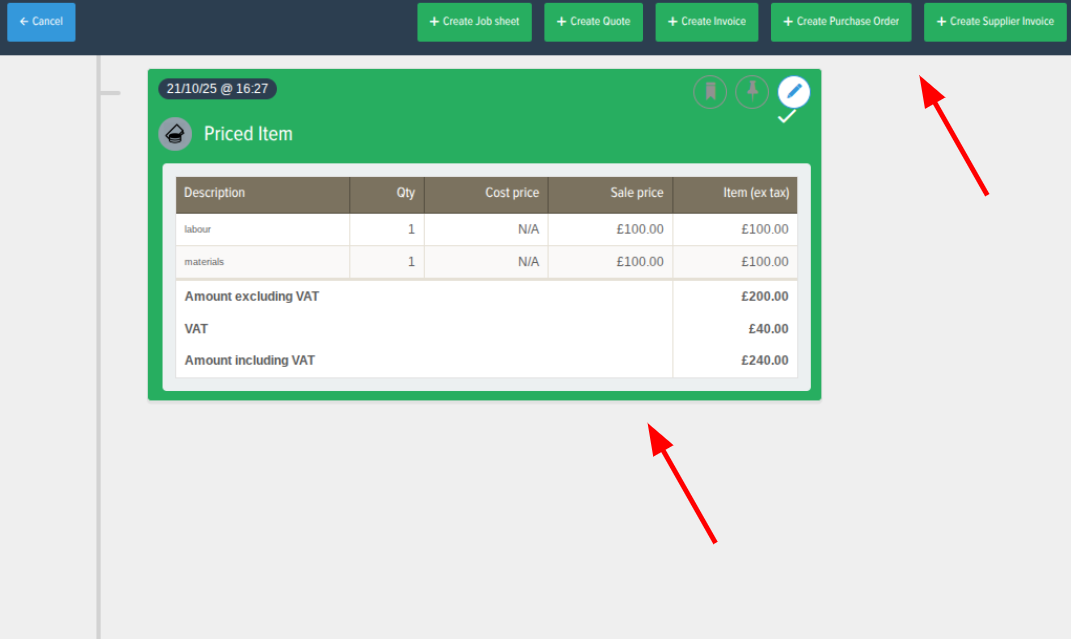
From there it will take you through to the page where you can select what items from the project that the appointment is associated to that you'd like to appear on the document. After that in the top right you can select which document type you'd like to create.
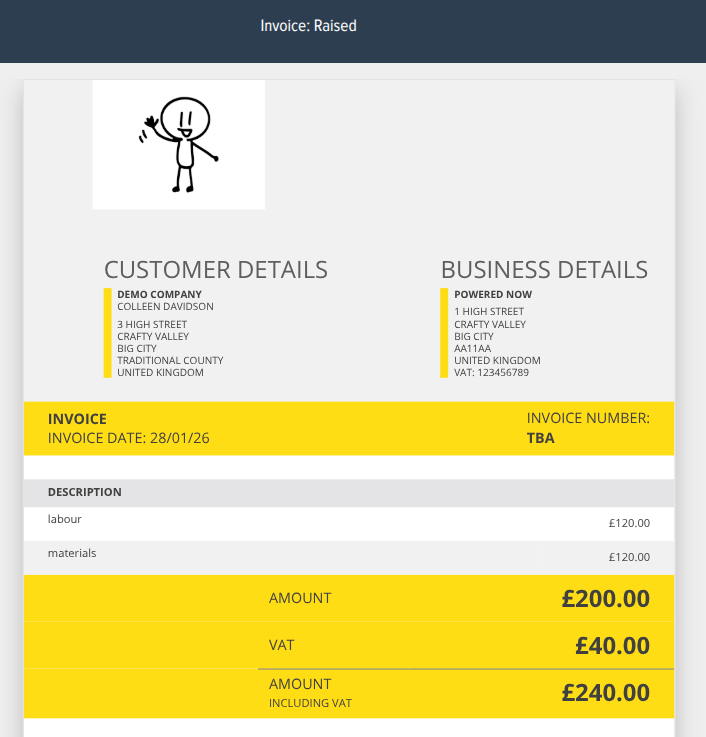
When you click the type of document that you'd like to create, it will instantly create that document with the items you selected in the previous stage on it.