![g-logo2.png]](https://support.powerednow.com/hs-fs/hubfs/g-logo2.png?height=50&name=g-logo2.png)
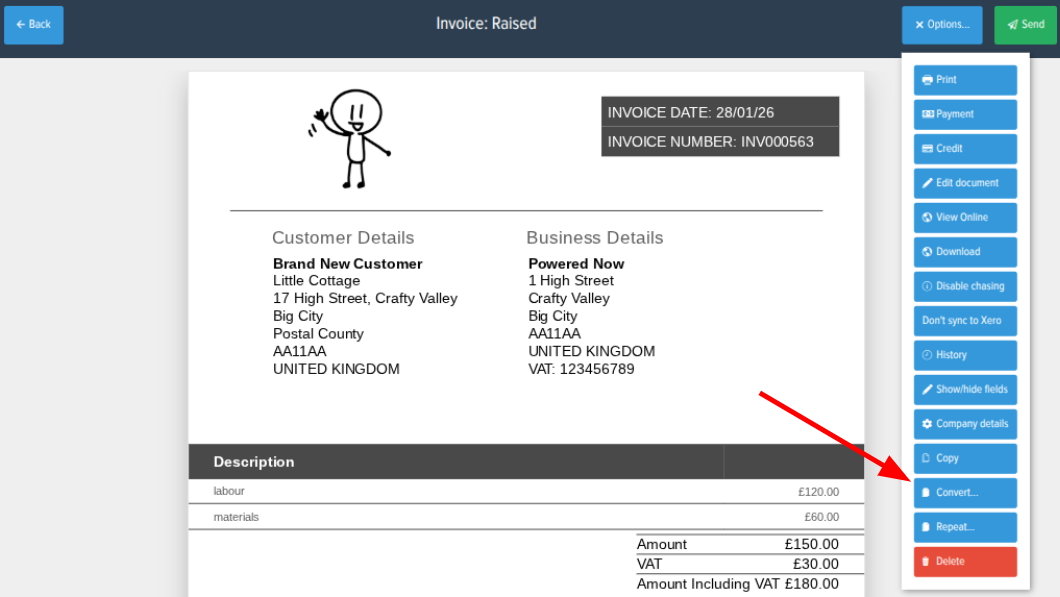
Click onto the invoice you'd like to create a quote from. Then with the invoice in front of you, click Options and then Convert.
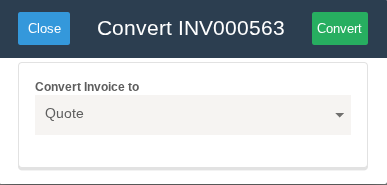
This should bring up a box with a drop down of different document types that you can create from the invoice. Here make sure Quote is selected and then click Convert.
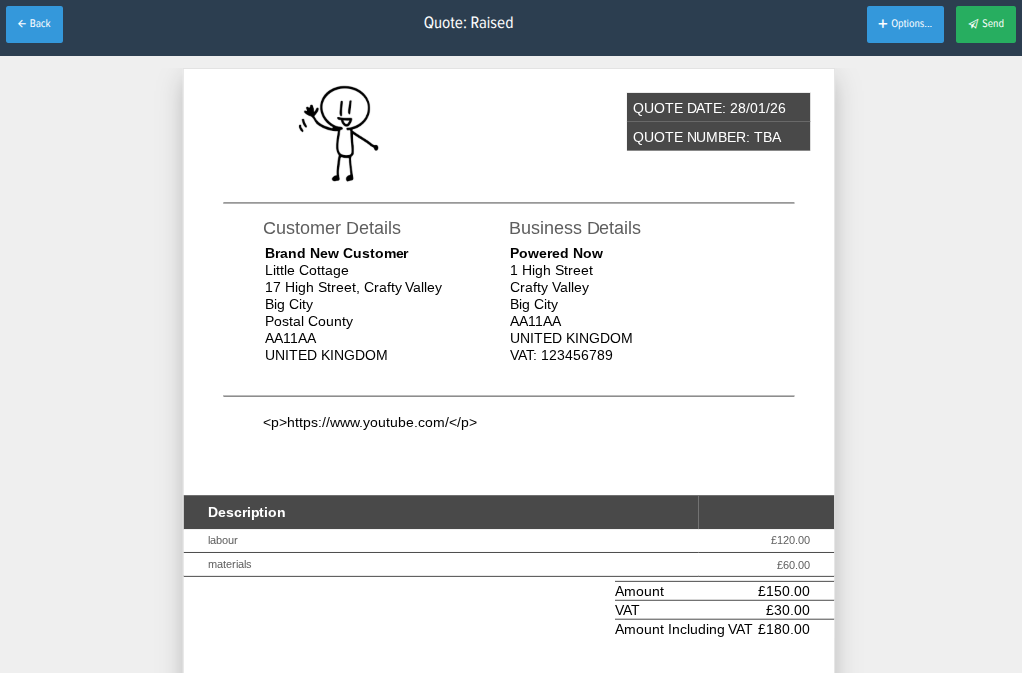
This will create your quote using the pricing that was entered on the invoice.