![g-logo2.png]](https://support.powerednow.com/hs-fs/hubfs/g-logo2.png?height=50&name=g-logo2.png)
To enable this, go into the Settings (cog top right of the home page) and then into Communication & Reminders
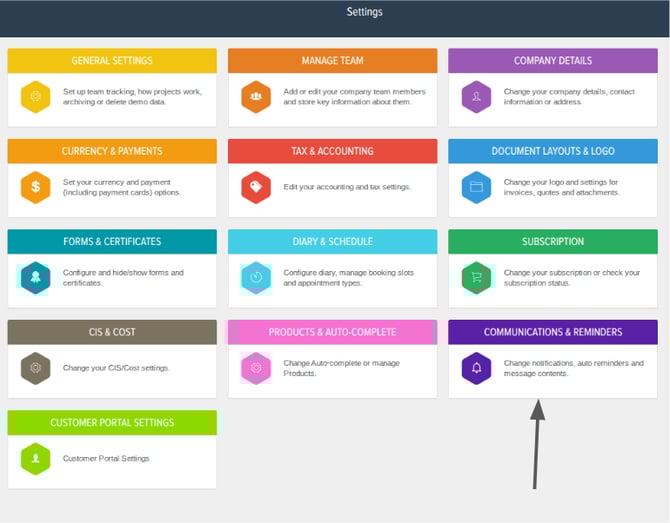
Then in there under the Customer Appointment Notifications tab will be a section for Appointment Reminders
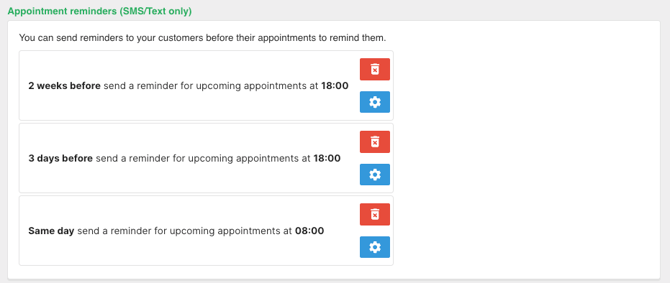
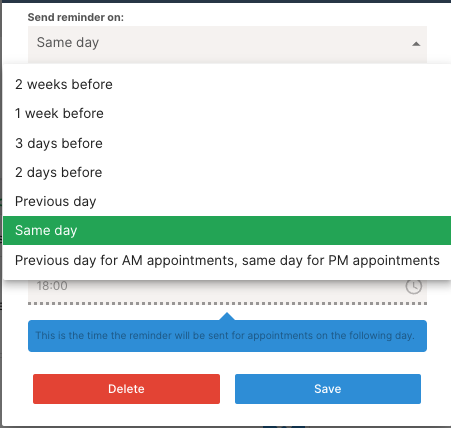
The Appointment Reminders Feature allows you to configure 3 reminders via text to your customer, ensuring no wasted time with you or your team.
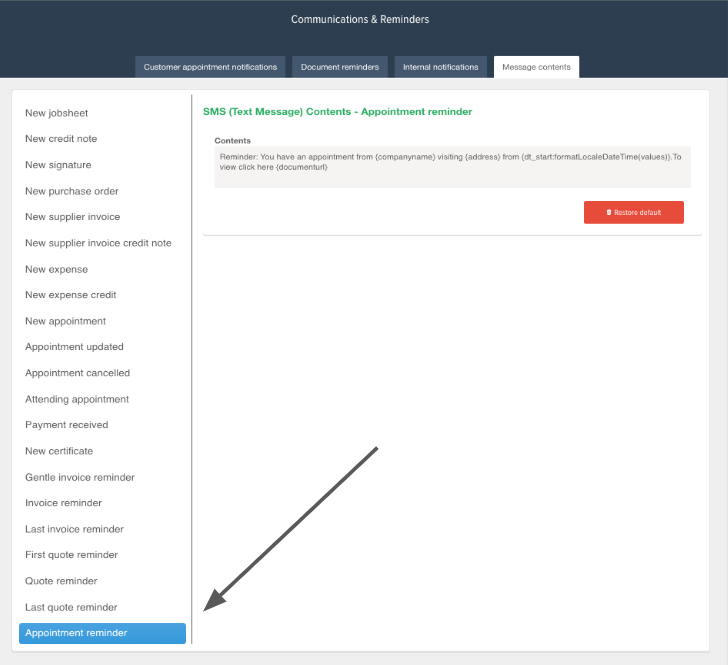
If you wish to customise your automated message, pop into the Message contents and here you will be able to generalise the automated message. This can be great if you need to add specific appointment terms of your business
If you'd like to enquire about the Premium tier and have a free 1-to-1 demo showing you through this along with the other benefits of the Premium tier, give us a call on 02382 120195 or raise a support ticket and we'll be in touch. If you'd like to raise a support ticket regarding this, please click here.