
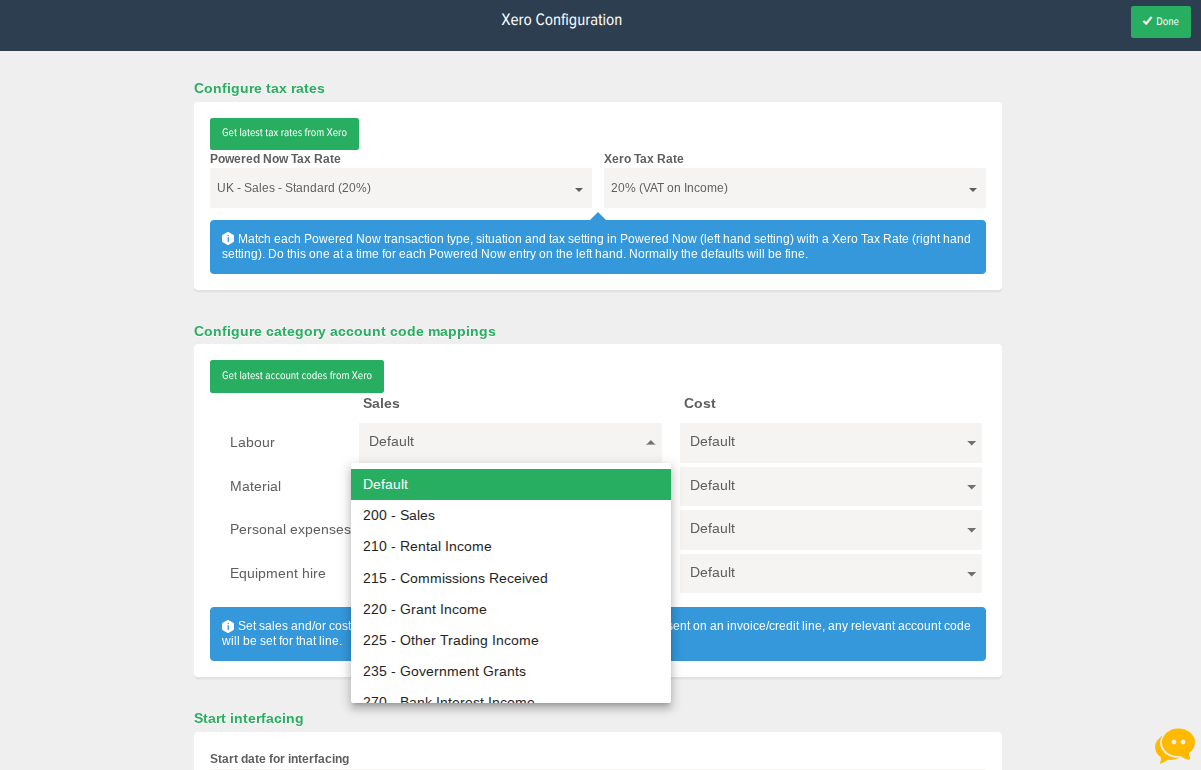
To map your pricing categories with specific account codes in Xero, you'll need to go into your Xero configuration settings within Powered Now (Settings > Tax & Accounting > Accounting Integrations > Cog next to Xero).
The Configure category account code mappings settings is towards the bottom of the page where you can map all of your Powered Now categories (including personally created ones) with the account code it relates to in your Xero account)